
As an ERP that is simple to use and configure, Dolibarr demonstrates this with the ability to add or remove columns from lists “live”, with immediate application in the view currently being used.
As shown in the image below, we use the invoice list as an example, where we can see that no visible column currently contains the “Total Amount” field for the listed invoices:
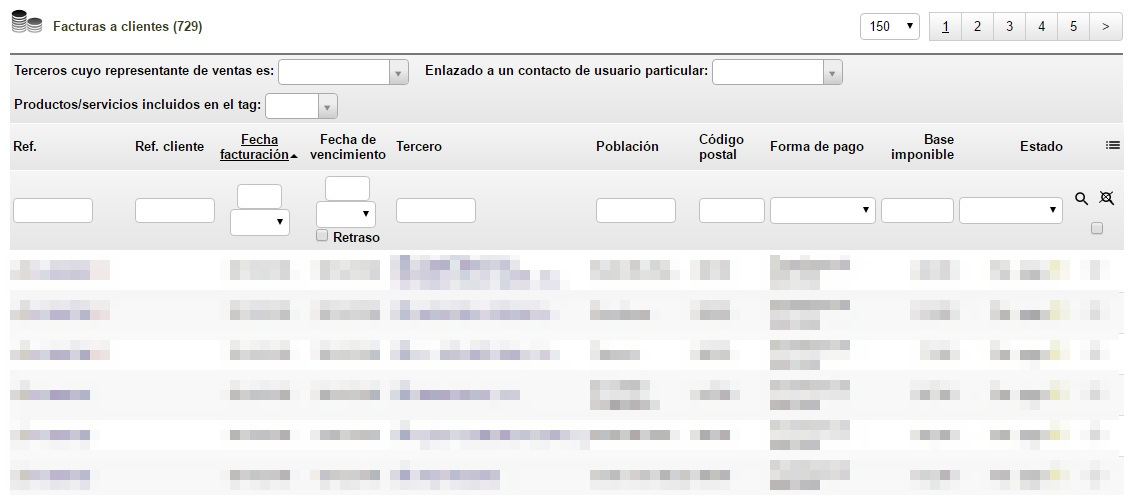
In the list shown in the image, we can see the “Taxable Base” field, but at this point we also want to have a “Total Amount” column.
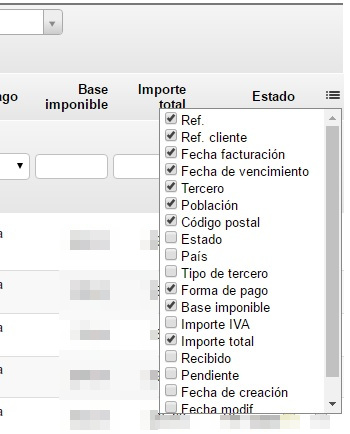
To do this, on the right-hand side of the list header we find a selector that allows us to select or deselect the fields we want at any given time. We select the “Total Amount” field:
And immediately, in our Customer Invoice list view, the newly selected “Total Amount” column appears:
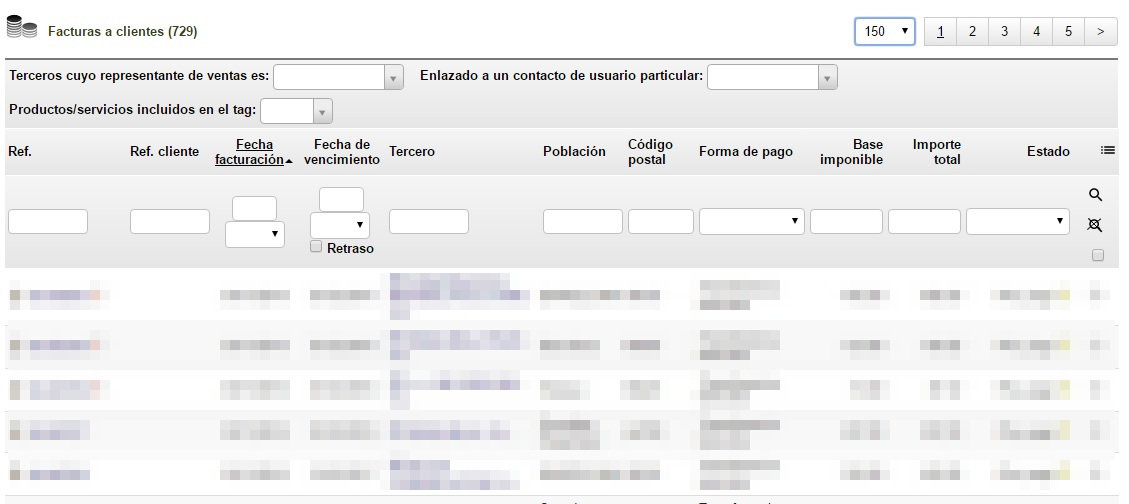
This action does not require any system restart or anything similar: the change in the list is applied immediately.
Dolibarr is management software that allows you to start working very quickly from day one, thereby facilitating adoption by all types of organizations, whatever their size.